

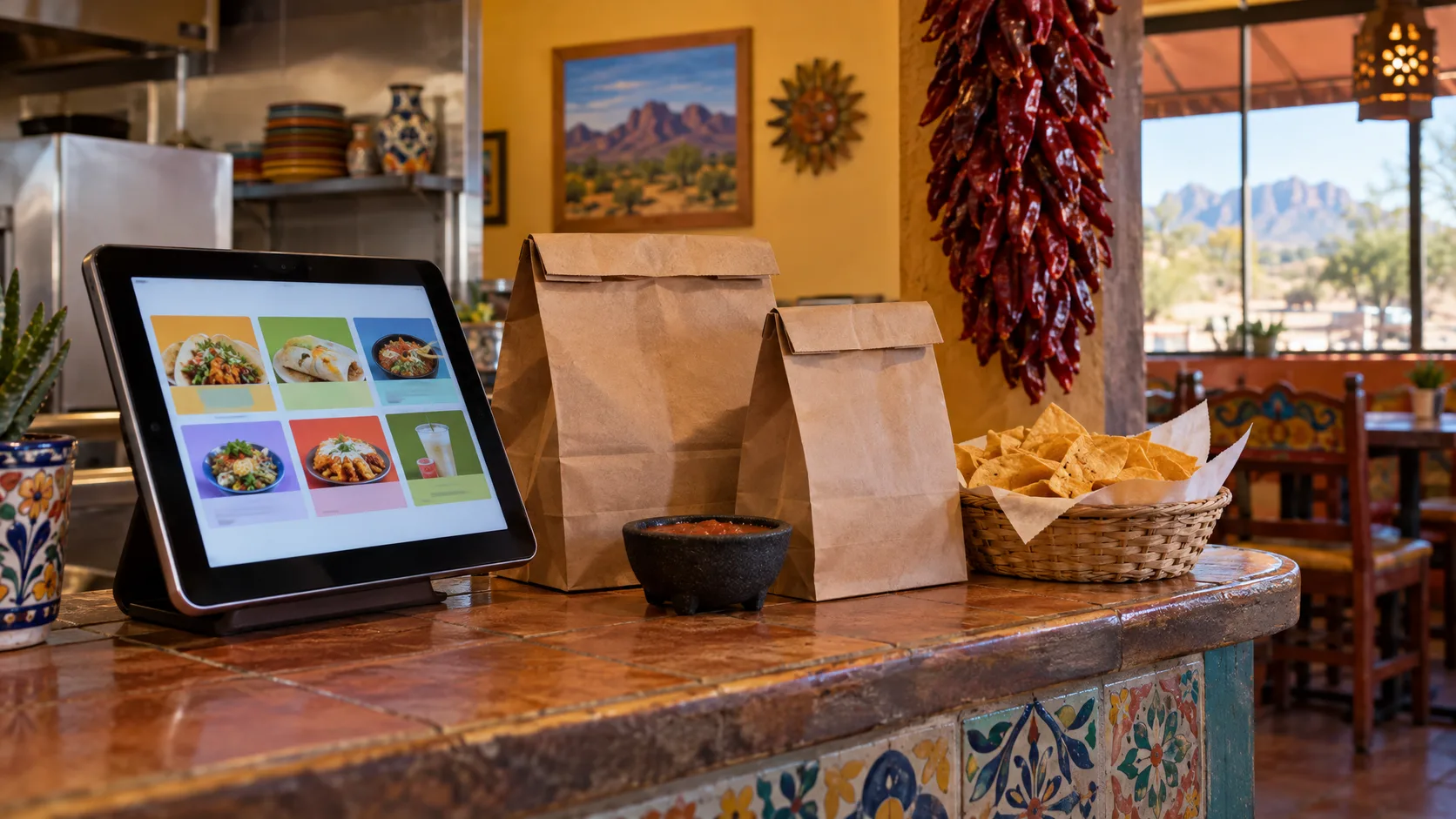
Online ordering for restaurants in Las Cruces starts with your own ordering page.
When someone in Las Cruces searches for tacos, burritos or coffee, they often order from whatever link Google shows them. If your restaurant has its own ordering page and that link is on your Google Business Profile, customers can order pickup straight from you. This guide covers your options, the setup, and what to do before the holidays.
How Las Cruces Customers Order Food Online
Most online orders start with a search on Google or Google Maps, or a tap on a link in your Instagram or Facebook bio. Search results for online ordering in Las Cruces are mostly delivery apps and ordering platforms, not restaurants' own pages. That means a customer looking for you may land on a page you don't control.
You have three common ways to take orders online:
- Delivery apps, which bring new customers and drivers and charge the restaurant for each order.
- Your own ordering page, where customers order from your menu and pay you directly, usually for pickup.
- Phone orders, which cost nothing extra but tie up whoever answers during a rush.
Many restaurants use more than one. If you're weighing delivery apps against your own page, our guide on taking online orders without DoorDash compares the costs.
How to Set Up Online Ordering for Your Restaurant
- Get your menu ready: item names, short descriptions, prices and a few good photos.
- Decide how pickup works: where customers wait, who hands off orders, and when you stop taking them.
- Set up card payments so the money goes to your own account.
- Place a test order from your phone, from the first tap to the pickup text.
- Share your ordering link on your Google Business Profile, your website, your social bios and a QR code at the register.
Put Your Ordering Link on Google
Your Google Business Profile can show a food ordering button. Google says links to food ordering services can appear on your profile automatically through third-party partners, so the button may already send customers somewhere else. To add your own page:
- Open your Business Profile on Google Search and select Food ordering. On Google Maps, select Edit profile and the type of link you want to add.
- Select Add link, paste your ordering page's address and save.
- Set your link as "Business preferred" so it appears at the top.
- If you don't want a provider's link to show, Google lets you turn it off for pickup or delivery.
If your restaurant isn't on Google Maps yet, start with our guide on getting your business on Google Maps.
Get Ready for the Holiday Rush
- Set special hours on Google for Thanksgiving on November 26 and any other day you change your schedule. In your profile, select Edit profile, then Hours, then Special hours.
- Small Business Saturday is November 28. Post your ordering link that week so regulars can support you without waiting in line.
- Hide items when you run out, so nobody orders something you can't make.
- Plan when to pause online orders during your busiest hours, and who turns them back on.
How RiaRai Order Works
RiaRai Order gives your restaurant its own pickup ordering page. It's free for restaurants: customers pay a $1 service fee when an order is accepted, and standard payment-processing fees apply. There's no subscription.
- We import your menu and set up your account. You connect your own Stripe account, so payments go straight to you.
- The customer's card is held when they pay and charged only when you accept the order. Declined orders are never charged.
- Customers who opt in get a text when you accept their order and another when it's ready.
- You can open or close online ordering whenever you need, and hide an item when you run out.
RiaRai Order is for pickup. If you also want a website for your restaurant, see our Las Cruces website plans, and link your ordering page from your site's menu.
Common Questions
Do I need a website to take online orders?
No. An ordering page works on its own, and you can share its link on Google, Instagram, Facebook and a QR code. A website helps customers learn more about you before they order.
How do I add an order button to my Google listing?
In your Business Profile on Google Search, select Food ordering, then Add link, paste your ordering page's address and save. You can mark it as your business preferred link.
What does RiaRai Order cost a restaurant?
Nothing. Customers pay a $1 service fee when an order is accepted, and standard payment-processing fees apply to card payments. There's no subscription.
RiaRai Order
Take Pickup Orders From Your Own Page
Tell us how your customers order today, and we'll show you how RiaRai Order would work for your restaurant.