

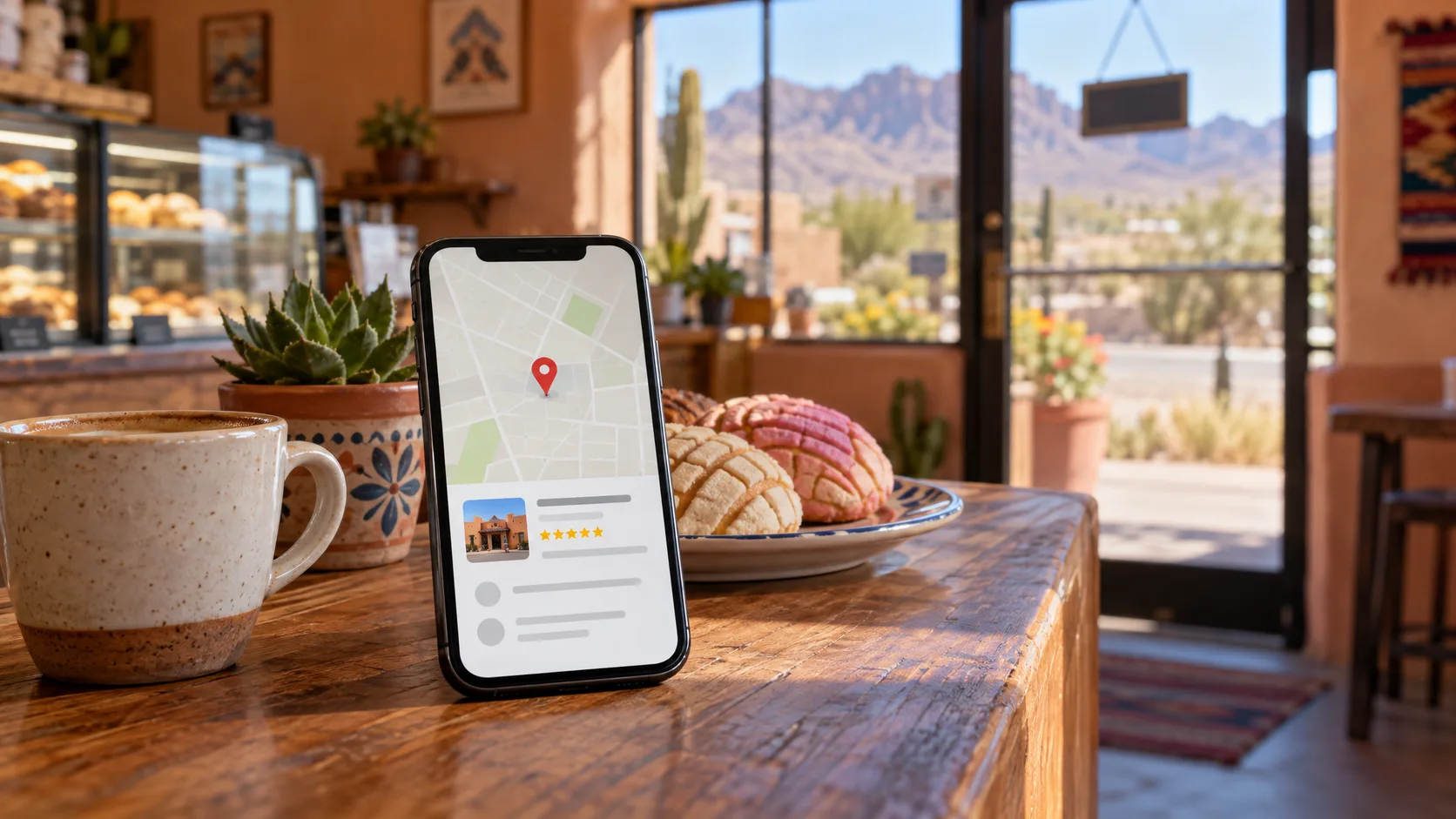
To get your business on Google Maps, claim or create a free Google Business Profile and verify it.
Your Business Profile is the listing people see when they search your name or "near me" on Google Search and Maps: your pin, hours, phone, photos and reviews. Google doesn't charge to add or claim one. The steps below take most owners an afternoon, plus a few days for Google to review.
Step 1: Check Whether You're Already on Google Maps
Open Google Maps and search your business name and city. A listing can exist even if you never made one.
- If you see "Claim this business," select it, then "Manage now," and choose a verification option.
- If the listing is already verified by someone else, such as a former employee or an old marketing company, Google lets you request ownership from the current owner.
- If nothing shows up, add your business as a new profile.
Step 2: Add Your Business to Google
Go to business.google.com/add and sign in with the Google account you want to manage the business from. Use one the business will keep, not a personal account an employee might take with them. Then select "Add your business to Google" and follow the steps:
- Enter your business name exactly as it appears on your sign. Don't add keywords or your city to the name.
- Choose the primary category that best describes what you do, such as "Bakery" or "Hair salon." You can add up to nine more later.
- Add your address if customers visit you there. If you go to your customers instead, add your service area.
- Add your phone number and your website.
- Choose a verification option.
Step 3: Get Verified
Your listing can't be fully managed until Google verifies it. Google picks which methods you're offered, based on your type of business, its public information, your region and your hours, and you can't change that list. The common ones:
- Phone or text: a code goes to your business phone. An automated phone menu can't receive it.
- Email: a code goes to the address shown on the screen.
- Video recording: a live, unedited video of at least 30 seconds, recorded on your phone.
- Live video call: with a Google support person, during your business hours.
- Postcard: a 5-digit code by mail. Google says most codes arrive within 14 days, and they expire after 30.
For a video, show where you are (street signs, your building number or nearby businesses), that the business is real (your storefront or sign with the same name as the profile), and that you manage it (something only staff can reach, like the register, kitchen or storage room). Leave out other people's faces and any private numbers.
Google says verification reviews take up to 5 business days, and rarely longer. If you're waiting on a postcard, don't edit your name, address or category, and don't request a new code, because either can restart the process.
No Storefront? You Can Still Show Up
Plumbers, cleaners, caterers, photographers and other businesses that go to their customers can set up a service-area profile. List the cities or areas you serve and hide your address if you don't meet customers there. A home-based business doesn't need to put its home address on the map.
If you verify by video, show where you operate, the tools or equipment you use, and proof that you run the business, such as unlocking a work vehicle or a permit or invoice with the business name on it.
Step 4: Fill In What Customers Look For
A verified profile with blanks still loses customers. Once you're in, fill in:
- Hours, plus special hours for holidays. Thanksgiving is November 26, so set those hours now.
- Your phone number and a link to your website.
- A description of up to 750 characters in plain words. Google doesn't allow links in it.
- Photos of your storefront, your work and your products. Real photos help people recognize your door.
- Your social profiles, such as Facebook and Instagram.
Google reviews your edits before they go live, so give changes a little time to show.
Keep It Accurate After You Launch
- Use the same business name, address and phone number on your profile, your website and your social pages.
- Update your hours before every holiday and closure.
- Ask happy customers to leave a review, and reply to the reviews you get, good and bad.
- If you serve customers in English and Spanish, say so in your description.
Why Your Profile Needs a Website
Your profile answers "where" and "when." Your website answers "why you": your services, prices, menu, booking and story, in your own words. Many customers check both before they call or visit.
RiaRai Site builds custom websites for small businesses in Las Cruces and across New Mexico that work on phones, tablets and computers. Pricing starts at $349 one-time plus $29 per month for a landing page, with hosting and updates included. Our guide to what a small-business website actually needs is a good next read.
Common Questions
Is it free to put my business on Google Maps?
Yes. Google doesn't charge to add or claim a Business Profile. You can hire someone to help you set it up, but the listing itself is free.
How long does it take to show up on Google Maps?
Google says verification reviews take up to 5 business days, and rarely longer. A postcard can take up to 14 days to arrive. After you're verified, Google reviews edits before they go live.
Can I be on Google Maps without a storefront?
Yes. A business that goes to its customers can list a service area and hide its address, so a home address doesn't show on the map.
RiaRai Site
Give Your Listing a Website to Point To
Talk with RiaRai about a website that answers your customers' questions and works on every phone.