

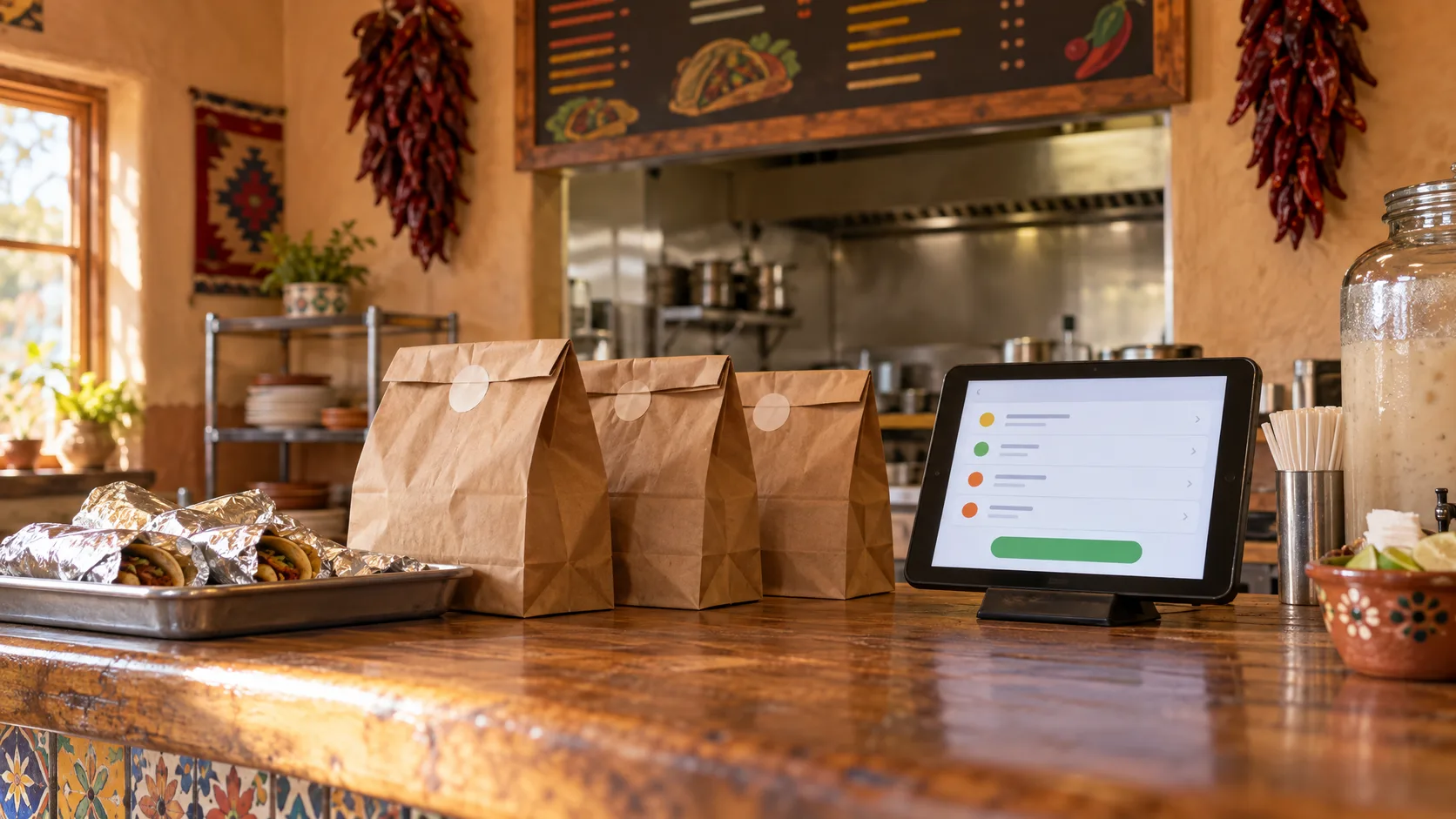
You can take online orders without DoorDash by adding a direct ordering page to your own website and sending your regular customers there for pickup.
Delivery apps still help new customers find you. But on DoorDash's current U.S. plans, a delivery order costs the restaurant a 15% to 30% commission, and even a pickup order through the app costs 6%. For customers who already know you, a direct ordering page lets you keep more of each sale. Here is what each option costs and how to set one up.
How Much Does DoorDash Charge Restaurants?
DoorDash's merchant pricing page lists three Marketplace plans for U.S. restaurants, as of November 2026:
- Basic: 15% commission on delivery orders.
- Plus: 25% commission on delivery orders.
- Premier: 30% commission on delivery orders.
Pickup orders placed through the DoorDash app carry a 6% commission on all three plans. DoorDash says the commission covers card processing on those orders. New plans start with a short commission-free trial, and extras like promotions and sponsored listings cost more.
Rates change, and some restaurants have their own agreements, so check your merchant contract for the numbers that apply to you.
What That Looks Like on a $30 Order
Here is the commission on one $30 order at each published rate:
- Pickup through the DoorDash app (6%): $1.80
- Delivery on Basic (15%): $4.50
- Delivery on Plus (25%): $7.50
- Delivery on Premier (30%): $9.00
Multiply that by a week of orders and the number gets real. Fifty $30 delivery orders a week on the Plus plan add up to $375 in commission. Some of those orders likely come from people who already know your restaurant and might order pickup directly if you gave them an easy way to do it.
What a Delivery App Does That Direct Ordering Doesn't
Be fair to the apps. A marketplace puts you in front of people who have never heard of you, and its drivers handle delivery. A direct ordering page doesn't bring new customers by itself, and for most small restaurants it means pickup only, unless you have your own drivers.
That is why many restaurants run both: the marketplace for discovery, and their own ordering page for regulars, nearby customers and pickup.
How to Take Online Orders Without DoorDash in 5 Steps
- Choose a direct ordering tool. Write down who pays each fee: commission, monthly subscription, setup, customer service fee and card processing. Ask when the customer's card is charged.
- Put your menu online. Match your in-store prices, decide which changes customers can make, and know how to hide an item when you run out.
- Set your pickup rules. Pick your online ordering hours, how long orders usually take, and how customers will know their food is ready.
- Link it everywhere customers already look: your website's menu, your Google Business Profile, your Instagram and Facebook bios, your printed menu and a QR code at the register.
- Tell your regulars. A sign at the counter and a line on the receipt, such as "Order ahead for pickup on our website," move repeat customers to your own page.
What About DoorDash's Own Online Ordering?
DoorDash also offers ordering on a restaurant's own website. Its Online Ordering page says those orders carry no commission and no monthly fee, with payment processing of 2.9% plus $0.30 per order. It is worth comparing. Ask the same questions you would ask of any tool: who shapes the customer's experience, what the customer pays, and how orders reach your kitchen.
Questions to Ask Before You Switch
- Does the restaurant pay a commission on each order, and how much?
- Is there a monthly subscription, setup fee or contract?
- Does the customer pay a service fee, and do they see it before paying?
- When is the customer's card charged, and what happens if you can't fill the order?
- Where does the money go, and who handles refunds?
- Can you close ordering during a rush or hide an item that sold out?
How RiaRai Order Handles It
RiaRai Order gives restaurants their own pickup ordering page with no commission and no subscription. Customers pay a $1 service fee on each order the restaurant accepts, and standard payment-processing fees apply. Payments go directly to the restaurant's own Stripe account.
Every order comes to you first. The customer's card is held when they pay and charged only when you accept, and a declined order is never charged. You can hide an item when you run out and close online ordering whenever you need to. RiaRai imports your menu and helps with setup and training. Our guide to what no commissions really means covers the costs to compare in more detail.
Common Questions
Can I take online orders without a delivery app?
Yes. A direct ordering page on your own website lets customers order and pay for pickup without a marketplace app in between. You will need to share the link yourself, since it won't show up inside DoorDash.
Is taking orders directly cheaper than DoorDash?
Usually, for customers who already know you. Direct tools still have costs, such as card processing, a subscription or a customer service fee, so add up every charge and who pays it before you compare.
Do I have to leave DoorDash to take direct orders?
No. Many restaurants keep a marketplace for new customers and use direct ordering for regulars and pickup. Running both lets you see which channel your customers actually use.
RiaRai Order
See Direct Pickup Ordering in Action
Look at the customer's ordering page and the restaurant's order screen, then decide whether direct pickup ordering fits your kitchen.